Key Points
- You need a 2-meter FM radio, a TNC (a hardware box or a software TNC such as Direwolf), a computer and your callsign.
- Programs talk to either kind of TNC the same way, through KISS, so you can start with one and switch later.
- Most local packet runs at 1200 baud on 2 meters. Ask a local club where the nearest node or BBS is, and keep connected packet off 144.390 MHz, the APRS frequency.
- Audio level matters most: start low and raise it until stations connect reliably.
- Listen first, then connect with C and the station’s callsign. BYE disconnects.
What You Need
Packet is one of the cheapest ways into digital radio. Most people already own most of the parts.
- A 2-meter FM radio. Almost any will do; one with a data port on the back makes the wiring easier.
- A TNC (terminal node controller), which turns data into tones and back. Either a hardware TNC, or a software TNC such as Direwolf or the UZ7HO soundmodem running on a computer with a sound-card interface.
- A computer, which can be as small as a Raspberry Pi, running a terminal program or packet software.
- Your callsign. Packet identifies you automatically, because your call is in every packet you send.
Hardware TNC or Software TNC?
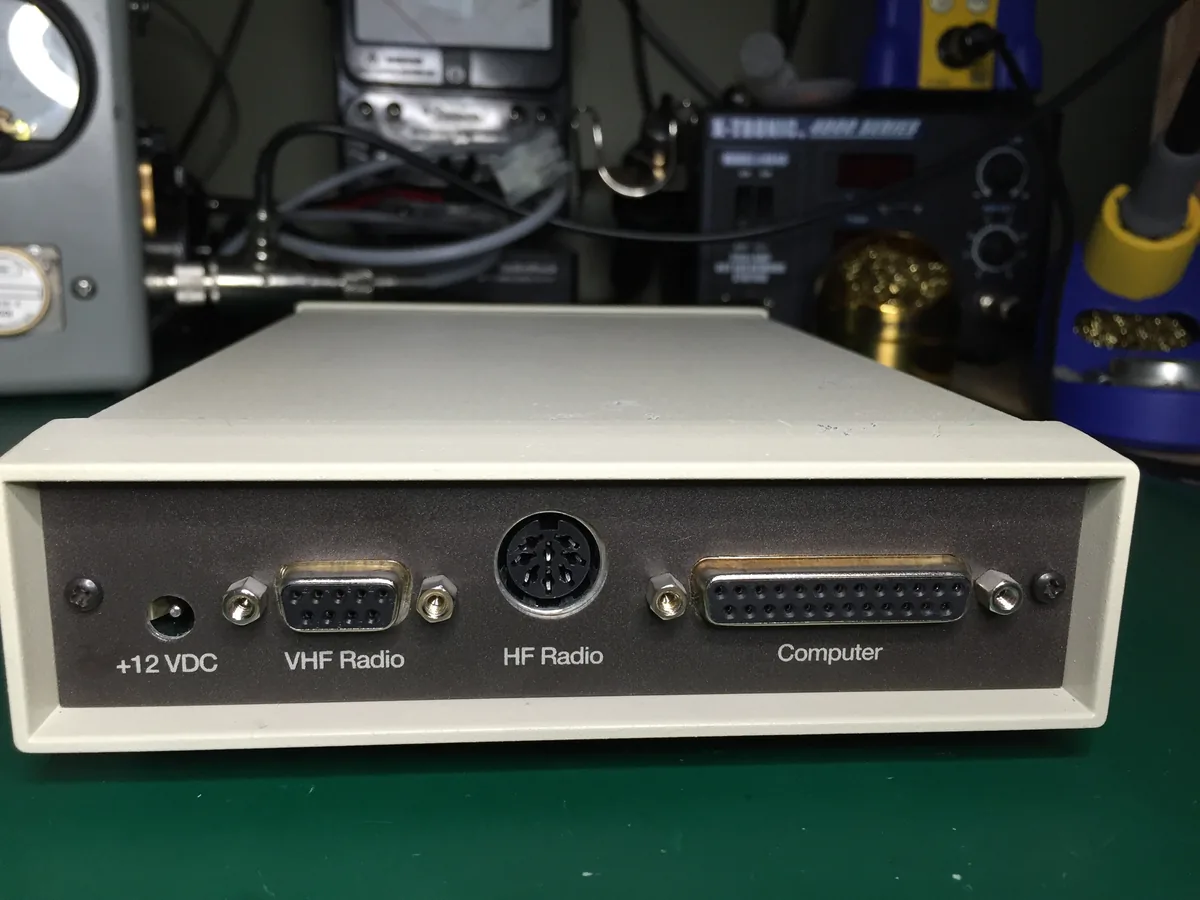
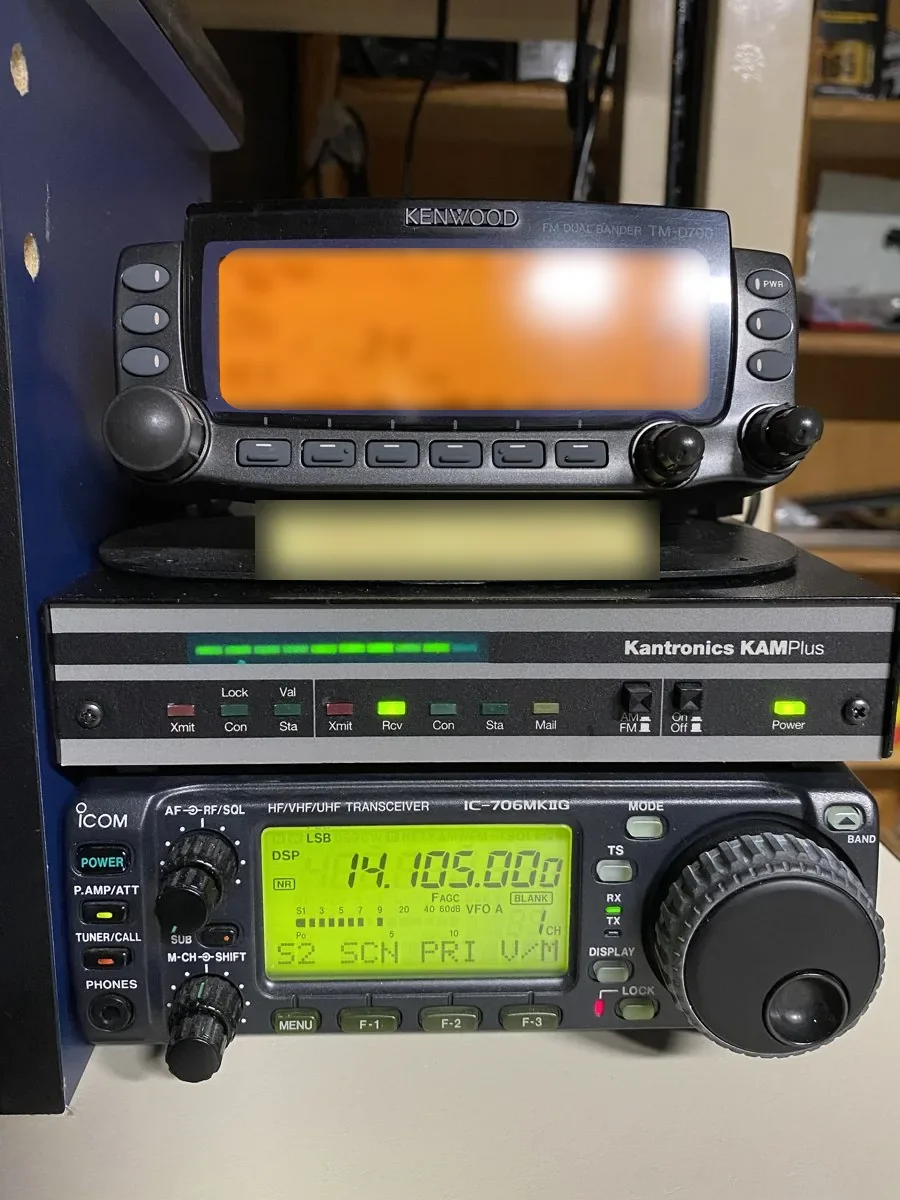
A hardware TNC is a small box that does all the work itself; you talk to it with a simple terminal program. It is reliable and needs no computer tuning, and plenty of old ones still work perfectly.
A software TNC does the same job in a program. Direwolf is the best known: free, well documented and able to act as a TNC, a digipeater and an APRS station at once. It needs a sound-card interface between computer and radio, the same kind used for FT8. Our Interfaces & TNCs page covers those.
Programs that expect a TNC talk to either kind the same way, through a standard called KISS, so you can start with one and switch later.
Setting Up
Most local packet runs at 1200 baud on 2 meters. Frequencies vary by area, so ask a local club or check your state’s band plan to find where your nearest node or BBS lives. In North America, 144.390 MHz is the APRS frequency; don’t use it for connected packet.
Choose your station identifier: your callsign plus an optional number from 1 to 15 after a dash (called the SSID), so one ham can run several stations, for example a home station and a node.
Audio level matters more than anything else. Too loud and the tones distort; too quiet and the other end can’t decode you. Start low and raise it until stations reliably connect. The other common setting is TXDELAY, how long the radio is keyed before data starts; too short and the first part of each packet is lost.
Your First Connection
Before sending anything, just listen. Watch the packets go by in your terminal program: you’ll see node and BBS callsigns identifying themselves, and learn who is on the frequency.
To connect, you give your TNC or program a connect command with the station’s callsign, usually C followed by the call. Most nodes answer with a welcome line and a prompt. Typing ? or HELP lists what that node can do. NODES shows the other nodes it can reach, and BBS connects you to its mailbox if it has one. BYE disconnects.
On a BBS you can list messages, read bulletins and send mail to other hams, which is forwarded from BBS to BBS across the network until it reaches them. It is slow by internet standards, and that is part of its charm: it works without any internet at all.
Faster Speeds and HF
9600 baud packet is faster but needs a radio with a data port designed for it and a TNC or setup that supports it. On HF, packet runs at 300 baud and is much less common now; most HF data work has moved to newer modes.