Drawing, not to scale
Straight Key
A lever on a pivot with a spring holding it up. Press the knob down and the contacts close; the transmitter is on for exactly as long as you hold it. You make every dot and every dash with your own timing.
How it feels: Up and down, like tapping. Relaxed wrist, not a stiff finger. Most operators are comfortable up to about 20 words per minute on one.
Suits: Beginners who want to feel the rhythm of the code, and anyone who enjoys the classic sound. Military keys such as the J-38, made in huge numbers during World War II, are still common at hamfests.
Drawing, not to scale
Semi-Automatic Key (Bug)
A side-to-side key with a springy, weighted arm. Push the paddle with your thumb and the arm vibrates, making a run of evenly spaced dots for as long as you hold it. Push the other way with your finger and you get a dash, which you time yourself. The weight’s position sets the dot speed. Made famous by Vibroplex, which has built them for more than a century.
How it feels: Side to side. Dots take care of themselves; dashes are all you. Getting the dot count right (not sending an extra one) takes practice.
Suits: Operators who want speed without electronics, and lovers of classic gear. A well-sent bug has a distinctive swing that experienced ears recognize instantly.
Drawing, not to scale
Sideswiper (Cootie)
A single lever that moves side to side, with a contact on each side. Either direction keys the transmitter, so you alternate left and right and time every element by hand.
How it feels: A side-to-side rocking motion that some find easier on the wrist than a straight key. Sending cleanly takes a lot of practice.
Suits: Operators who want something different and hand-made in feel. Rare today, but it has a loyal following.
Drawing, not to scale
Single-Lever Paddle
One paddle, moving side to side, connected to an electronic keyer. Thumb side makes dots, finger side makes dashes, and the keyer times them perfectly. Hold it over and the dots or dashes repeat.
How it feels: Light, short movements. Very forgiving: you can only ask for one thing at a time, so there’s less to go wrong.
Suits: Newcomers to paddles, portable operators, and many fast operators who never saw the need for two levers.
Drawing, not to scale
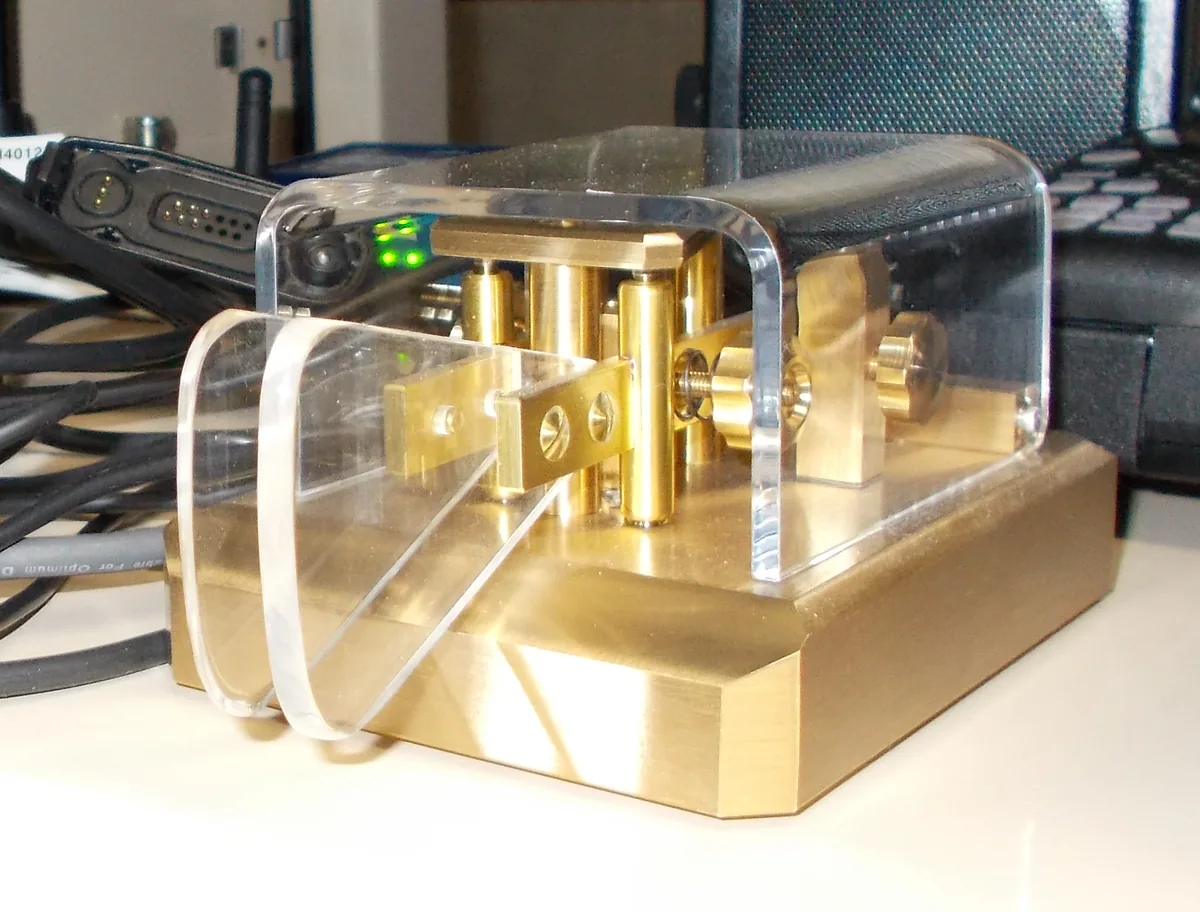
Dual-Lever (Iambic) Paddle
Two paddles, one for dots and one for dashes, connected to an electronic keyer. Squeeze both and the keyer alternates dit-dah-dit-dah, which lets you send letters like C and Q with fewer movements.
How it feels: Squeezing takes some learning, but once it clicks it’s the most efficient way to send by hand.
Suits: Most active CW operators today. Every modern HF radio has a keyer built in, so a paddle plugs straight in.
Keyers, and Iambic A vs B
A keyer is the electronics that turns paddle movements into perfectly timed dots and dashes. Nearly every modern HF radio has one built in, where you set the speed and a few preferences. Stand-alone keyers add memories for things you send often, like CQ or your callsign.
With a dual-lever paddle, the keyer can work in iambic mode A or mode B. Both alternate dots and dashes while you squeeze. The difference is what happens when you let go: in mode A the keyer finishes the element it is sending and stops; in mode B it finishes that element and then adds one more of the opposite kind. Mode B saves a movement in some letters; mode A does exactly what your hand does. Many radios default to B. Neither is better, but if you learned on one, the other will feel wrong, so check your radio’s setting before blaming your fist.
Keyboard sending is common too, especially in contests: logging programs and digital-mode software can send typed text as CW, with perfect timing.
Sending is half of it. Practice copying by ear at your own speed.
Where to find CW on the bands and how to get started.