Built-In USB Audio
Many current radios present themselves to the computer as a sound card and a serial port over one USB cable. If yours does, you need nothing else — start here.
SignaLink USB
A self-contained sound card and keying interface with transformer isolation. The long-standing default for older radios, and still a safe choice.
Digirig
A small, inexpensive interface handling audio and CAT control over one cable. Popular with portable and POTA operators for its size.
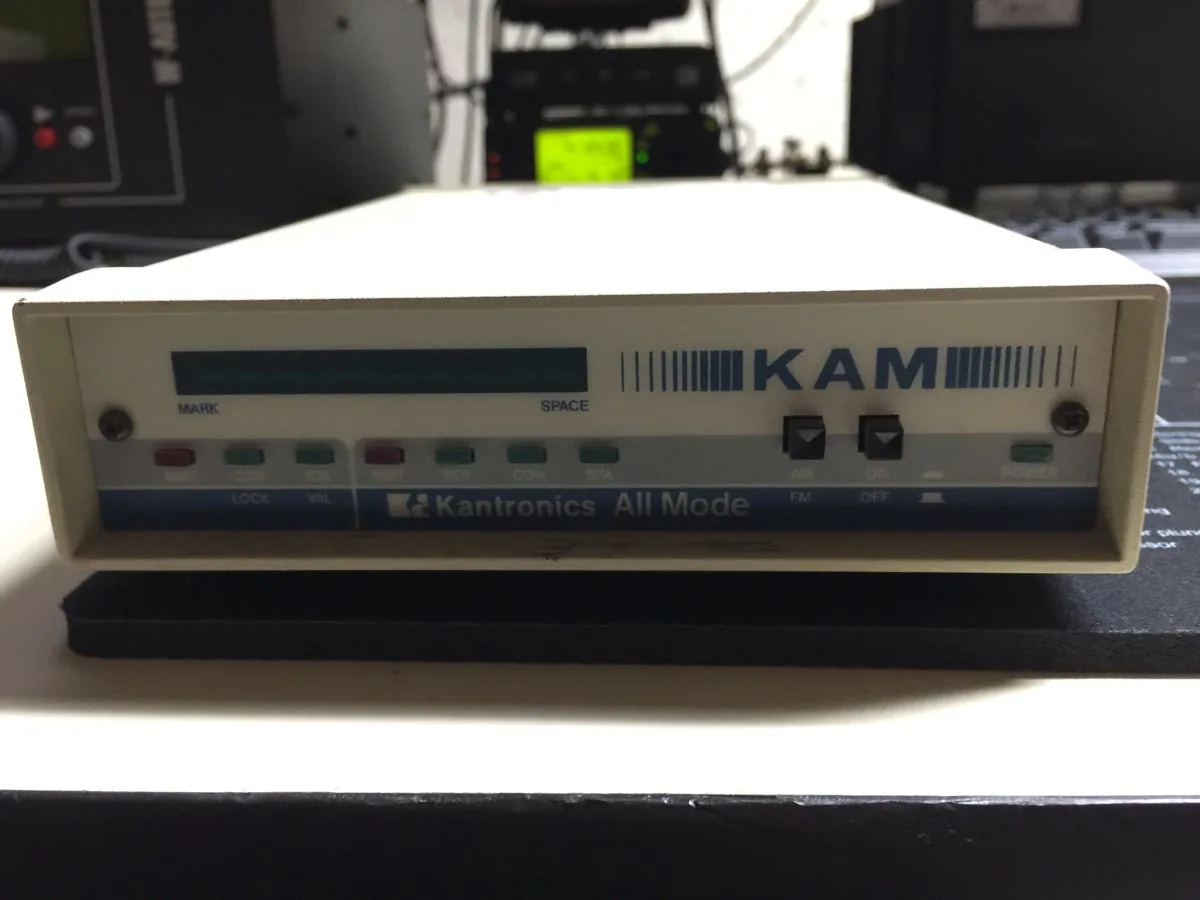
Kantronics KPC-3+
A classic hardware TNC for packet and APRS. Still found at every hamfest and still working.
Mobilinkd TNC
A small Bluetooth TNC designed to pair a handheld with a phone for APRS.
Direwolf on a Sound Card
Not hardware at all — software that turns any sound card into a TNC, and usually decodes better than the boxes it replaces.
Three Things That Cause Most of the Trouble
Audio levels. Too much drive is the most common fault in digital modes. It splatters across the waterfall, other operators see it, and your signal decodes worse rather than better. Set transmit audio so the radio’s ALC barely moves.
Ground loops and RF in the shack. Hum, erratic keying or a computer that locks up on transmit usually mean RF is getting back into the interface. Ferrite chokes on the USB and audio cables fix most of it; a proper antenna ground fixes the rest.
Clock accuracy. FT8, FT4 and JS8Call need your computer clock within about a second. A station that hears everyone and works nobody almost always has a drifting clock.